
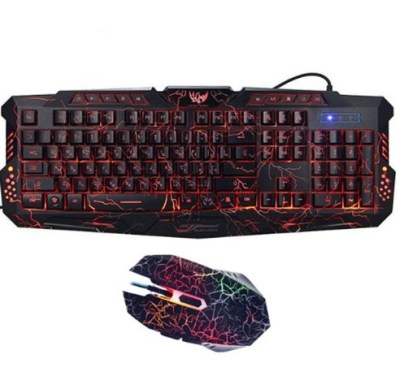
 J10 tricolor backlight wired gaming keyboard set colorful luminous gaming mouse keyboard Russian keyboard$1.94
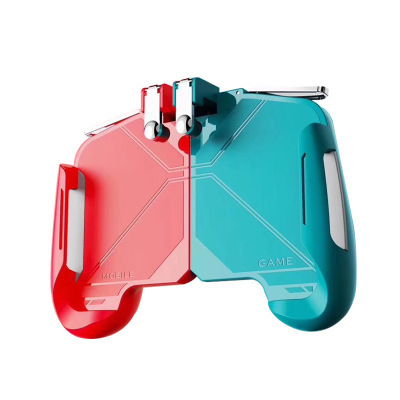
Eat chicken gamepad
$1.18
Ships from our partner warehouse. Delivery time is counted from dispatch.
Details
1. High quality 100% guarantee, one by one before shipment.
2. All items will be packaged in a specific package to prevent damage during shipping.
3. Fingers can gently touch the touch sensitivity
Instructions:
Step 1: Click "Settings" in the menu
Step 2: Click “Operation Settings” to open the “User Custom Panel”
Step 3: Set the “shoot” and “target” buttons to the position corresponding to the product touch screen.
Step 4: Install the device on your phone
Step 5: Lock the phone screen for 3 seconds before playing the game, then unlock the phone screen to activate the trigger
Step 6: Enter the simulation battlefield test
Note: If the trigger does not work, touch the screen with your hand to set the key to the correct strike position of the product.


More like this
J10 tricolor backlight wired gaming keyboard set colorful luminous gaming mouse keyboard Russian keyboard$1.94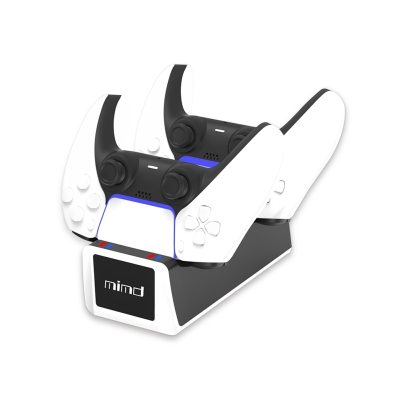 PS5 Wireless Controller Dual Charge PS5 Game Controller$4.70
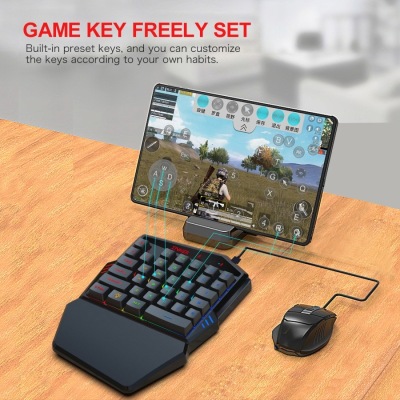 Gaming Keyboard Throne One Mouse Set$13.86
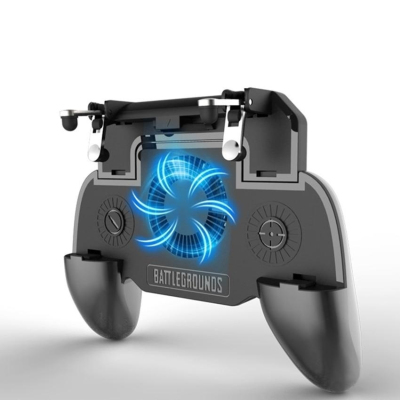 5 in 1 Mobile Gaming Controller With Fan Plus PowerBank$2.98
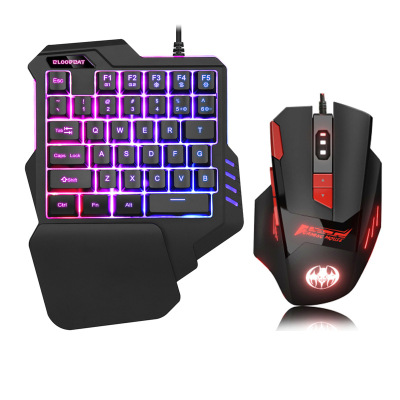 Mobile gaming computer keyboard$5.43
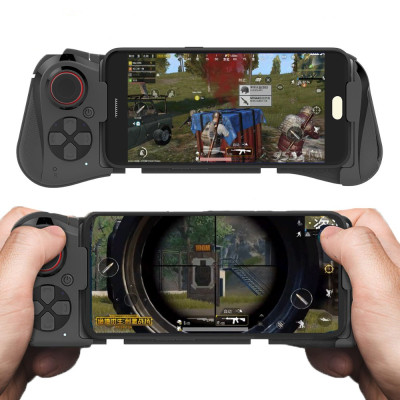 Eat Chicken Gamepad$7.53
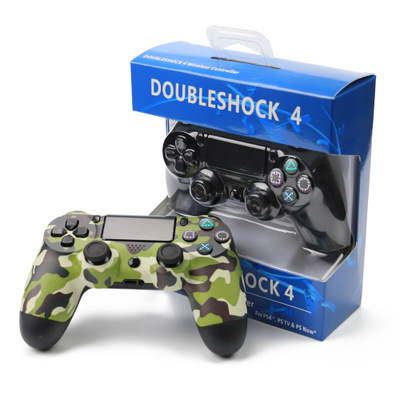 PS4 Wireless Game Handle$4.61
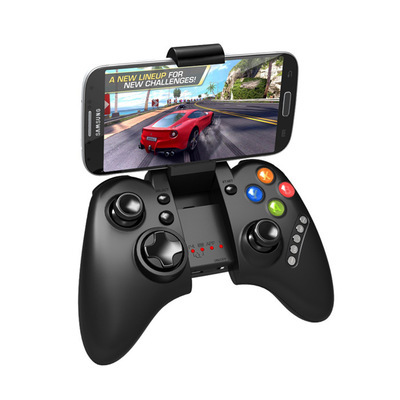 Compatible with Apple , IPEGA PG-9021 Bluetooth Mobile Game Controller$10.71
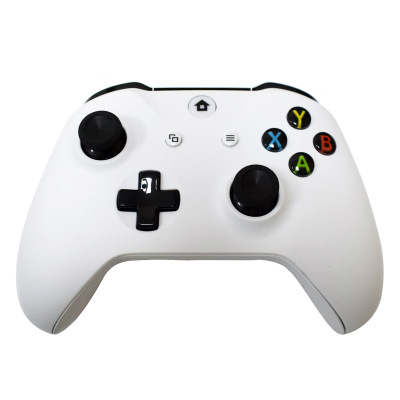 Game Console Controller Original Brand New Wireless Controller$23.64
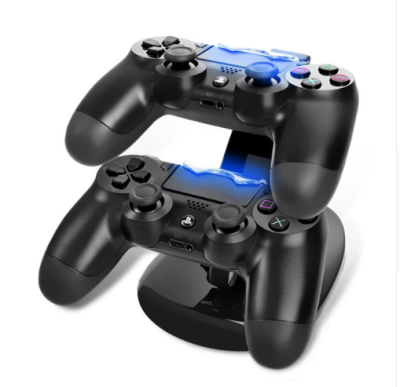 Dual USB Charge Dock Stand USB Charging Dock Station Stand With usb charging cable ForPlaystation 4 PS4 controllers$1.68
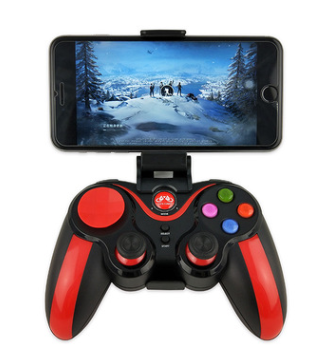 S5 mobile game console$5.24
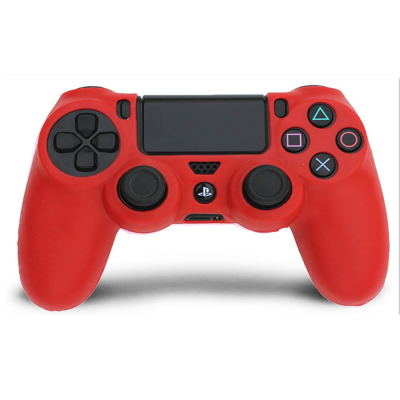 PS4 Controller Skin Silicone Rubber Protective Grip Case for Playstation 4 Wireless Dualshock Game Controllers$0.51