
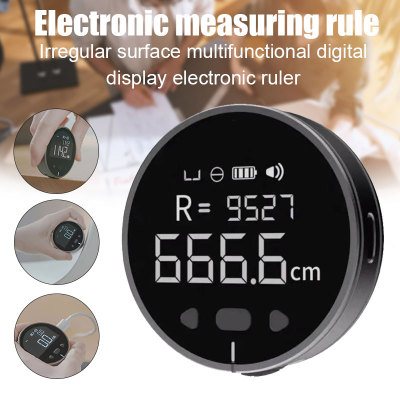
 Distance Measuring Instrument Electronic Measuring Ruler Tape Measure High Definition Digital LCD High Precision Electronic Measuring Ruler Tool$10.45
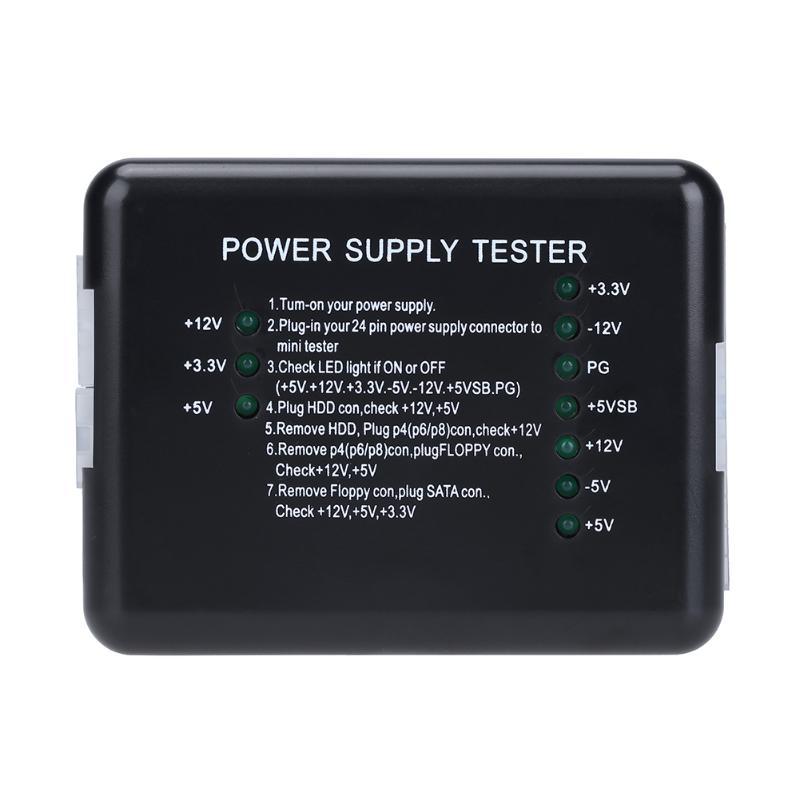
PC Computer ATX SATA HDD Power Supply Tester LED Indication 20 24pin PSU Diagnostic Tool testing for Anode Cathode 12V 5V 3.3V
$1.99
Ships from our partner warehouse. Delivery time is counted from dispatch.
Details
Features:
A powerful PC power supply tester tool for ATX, BTX, ITX power.
Display voltage and PG value.
Specification:
Input Port: 20/24pin (ATX- connector)
Voltage Test: +12V, -12V, +5V, -5V, +3.3V, 5V Stand by(SB)12V,power Good(PG)
Connector Port: Floppy, HDD, CDROM, SATA, 4 pin(P4),8 pin(Dual-CPU), 6 pin(PCI-Express)
How to Use:
1. Connect power supply.
2. Insert the 24P (20P) plug of the tested power source into the 24P (20P) socket corresponding to the power tester.
3. Check the 7 lights on the right (+3.3, -12V, PG, +5VSB, +12V, -5V, +5V), all on is good.
4. Plug the power HDD into the power tester HDD socket, to check the left 2 lights (+12, +5V) is bright, all on is good.
5. Unplug the HDD plug from the power tester and plug in the P4 (P6/P8) plug to the corresponding P4 (P6/P8) socket to check the light (+12V) on the left.
6. Unplug the P4 (P6/P8) plug from the power tester, and plug in the FLOPPY (floppy) plug to the corresponding FLOPPY socket, to check the 2 lights on the left (+12V, +5V), all on is good.
7. Pull out the FLOPPY plug from the power tester, then insert the SATA plug into the corresponding SATA socket, check the 3 lights on the left (+12V, +3.3V, +5V), all on is good.
More like this
Distance Measuring Instrument Electronic Measuring Ruler Tape Measure High Definition Digital LCD High Precision Electronic Measuring Ruler Tool$10.45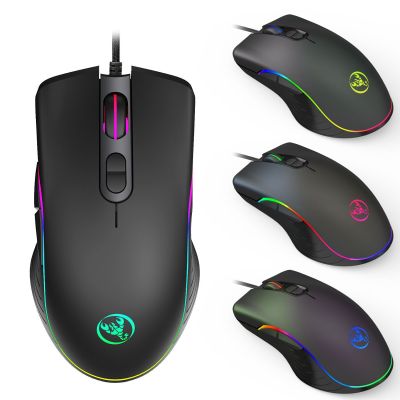 Glowing Gaming Mouse Gaming Wired Mouse$4.19
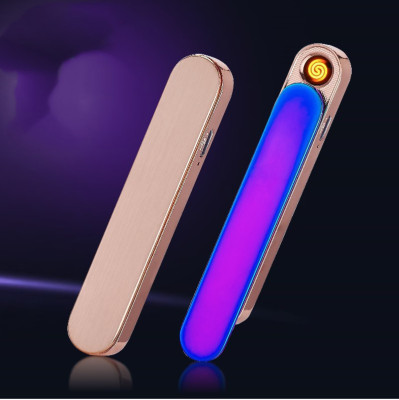 Electronic cigarette lighter$1.60
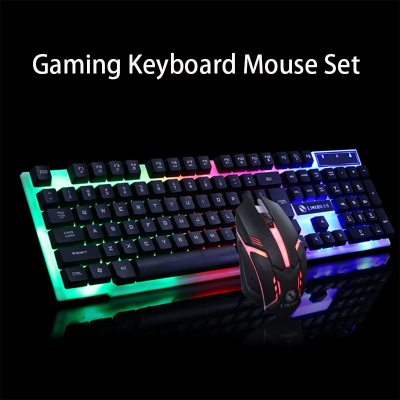 GTX300 Gaming CF LOL Gaming Keyboard Mouse Glowing Set$3.70
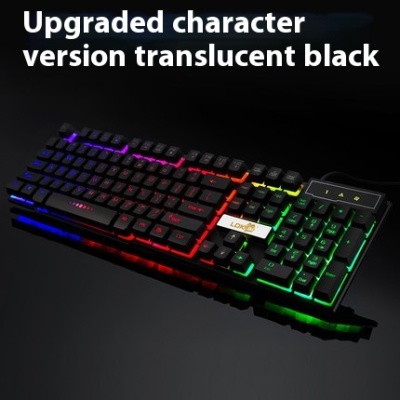 Industry gaming keyboard glowing usb cable gaming keyboard$3.11
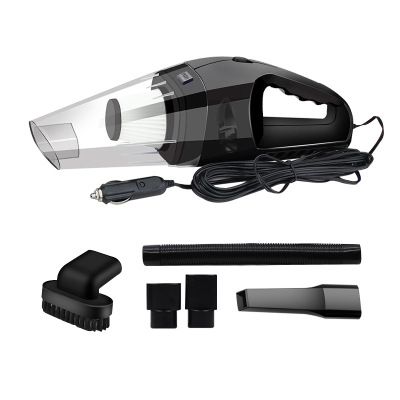 Auto Vacuum Cleaner Portable Handheld 12V 120W Mini Vacuum Cleaner$2.87
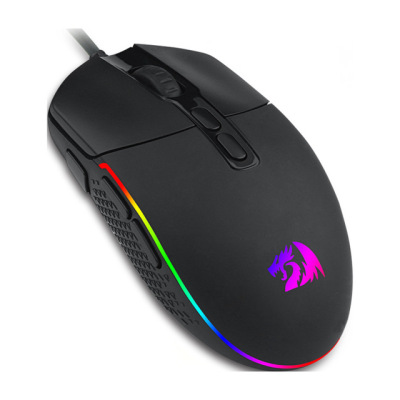 gaming Mouse$15.57
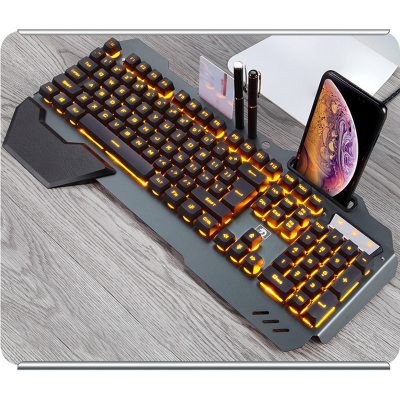 ErgonomicWired Gaming Keyboard with RGB Backlight Phone Holder$10.17
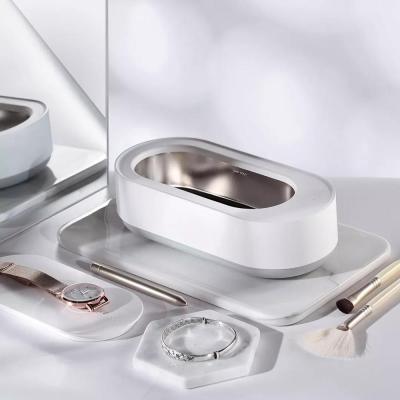 Clean Ultrasonic Cleaner Portable 45000Hz High-Frequency Vibration Cleaning Machine Jewelry Glasses Watch Cleaning$19.98
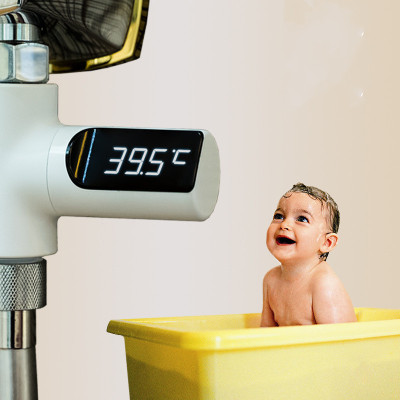 Electronic Faucet, Baby, Bathing, Bathing$5.51
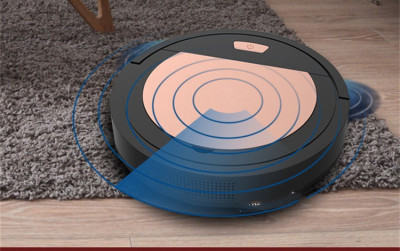 Home Cleaning Robot Vacuum Cleaner Robot Mops Floor Cleaning Robot Vaccum Cleaner$5.03
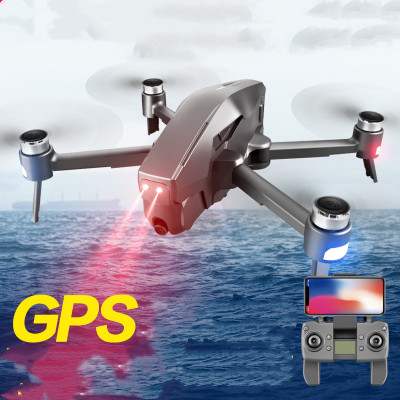 Professional GPS foldable drone$142.09