
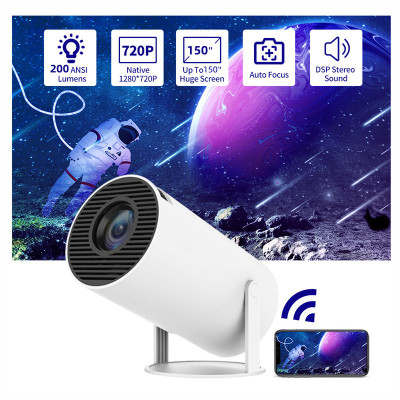
 Portable Projector Small Straight Projector For Home Use 180 Degrees Projection Angle Automatic Focus Home Video Projector$4.19

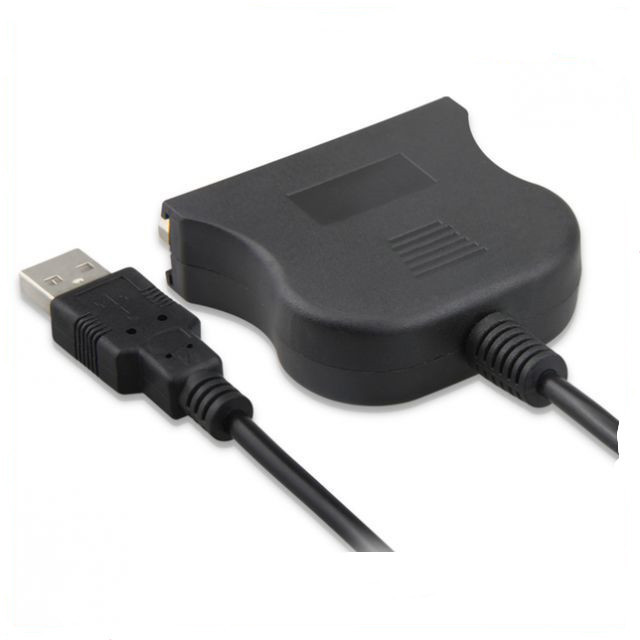
Usb To 25 Pinhole Parallel Lines DB25 Interface IEEE 1284 Printer Usb20 Cable
$0.98
提携倉庫から発送します。 お届け日数は発送日から数えます。
商品詳細
Product information:
It adopts one-time full injection molding, solid and beautiful
A USB A-type interface is convenient for connecting to PC, conforming to 2.0 standard, full speed, high speed, and downward compatibility
One printer IEEE1284 standard DB25 parallel port interface is convenient to connect corresponding equipment, rust proof and corrosion resistant, giving a golden and noble vision. IEEE1284 standard pays attention to print quality, and the transmission speed reaches 12 Mbps
Support Windows 98/98SE/ME/2000/XP/VISTA or higher operating system
Setting method for the printer that cannot be printed after it is connected:
1。 Connect this USB/25 hole cable to the parallel port printing line of the printer (the printer power supply should not be turned on)
2。 Insert the USB port into the USB port of the computer. At this time, the computer will find new hardware and automatically identify and install it
3。 Install the printer driver on the computer, and set the printer port to USB TO PRINT in the printer properties. The preceding code is USB001 or USB002.
4。 Start the printer and print the test page first. If it works normally, it can be used.
Packing list:
Connecting line x1
Product Image:




類似商品
Portable Projector Small Straight Projector For Home Use 180 Degrees Projection Angle Automatic Focus Home Video Projector$4.19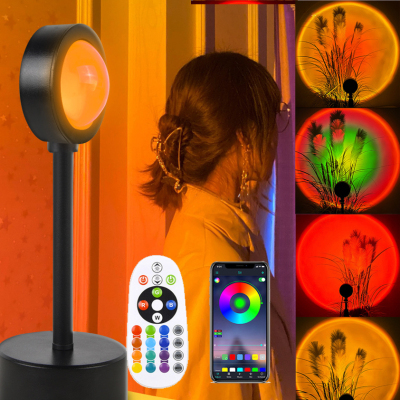 Sunset Projection Lamp Sunset Projector Night Light Wall Decoration Lighting$1.91
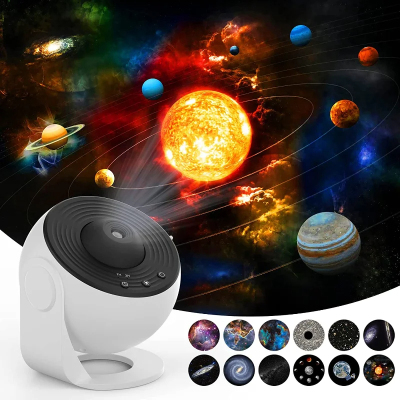 Night Light Galaxy Projector Starry Sky Projector 360 Rotate Planetarium Lamp For Kids Bedroom Valentines Day Gift Wedding Deco$16.25
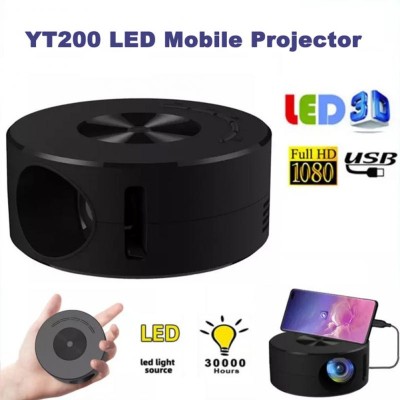 Smart Projector WiFi Portable 1080P Home Theater Video LED Mini Projector For Home Theaters Media Player$14.93
 Shadow screen projector screen$2.40
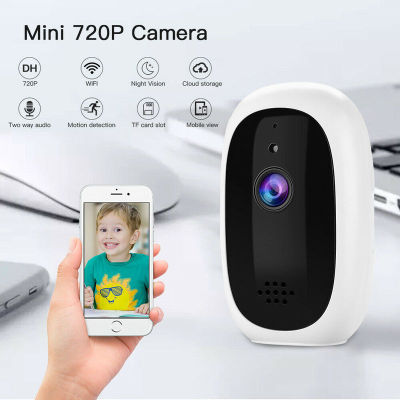 Security network camera$6.16
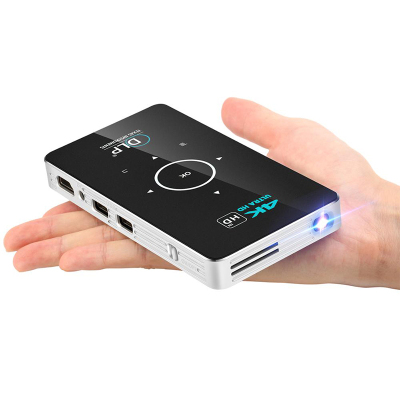 Home wireless projector$169.92
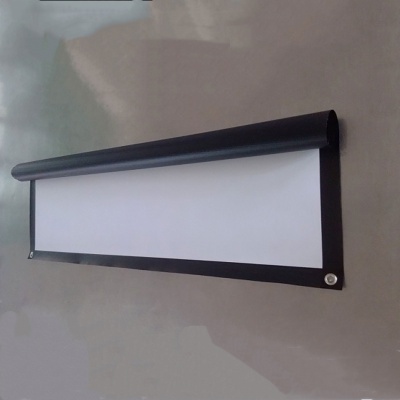 Projector HD screen$4.48
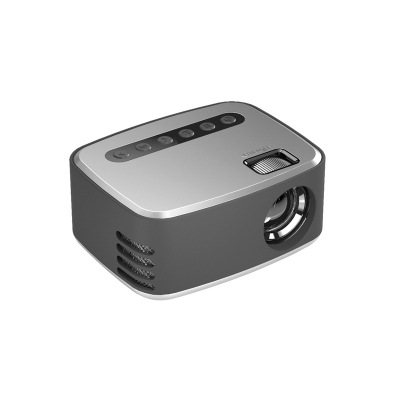 Mini Mini Projector Home Portable 1080P HD Small Projector$28.03
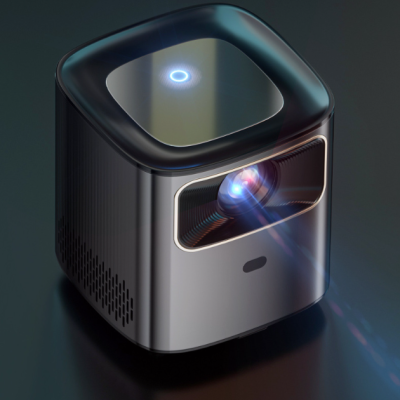 Mini Home HD Projector Portable 1080p Video Player Machine Dual Frequency 5GWiFi$116.69
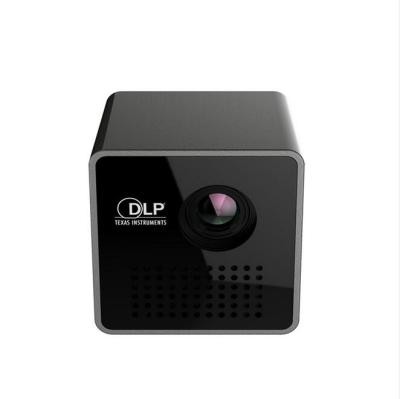 P1 WIFI Wireless Pocket LED Pico DLP Mini Projector Smart Micro Miracast DLNA Airplay Video Projector With Battery$130.34
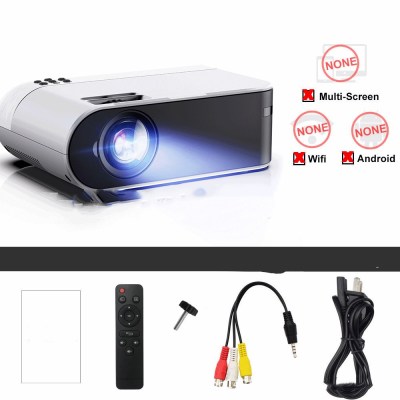 Mini projector portable$41.14